

RSS.com Review 2026

A straightforward podcast hosting platform focused on simplicity and ease of use for beginners.
TL;DR
RSS.com keeps it simple and cheap, free plan, paid from $12.99/mo, and it's where I send beginners who don't want a cockpit full of dials. YouTube distribution, AI transcription, video-to-podcast conversion. Analytics are IAB-certified but skip demographics and completion rates, and there's no SEO or heavy marketing.
Quick Takeaways
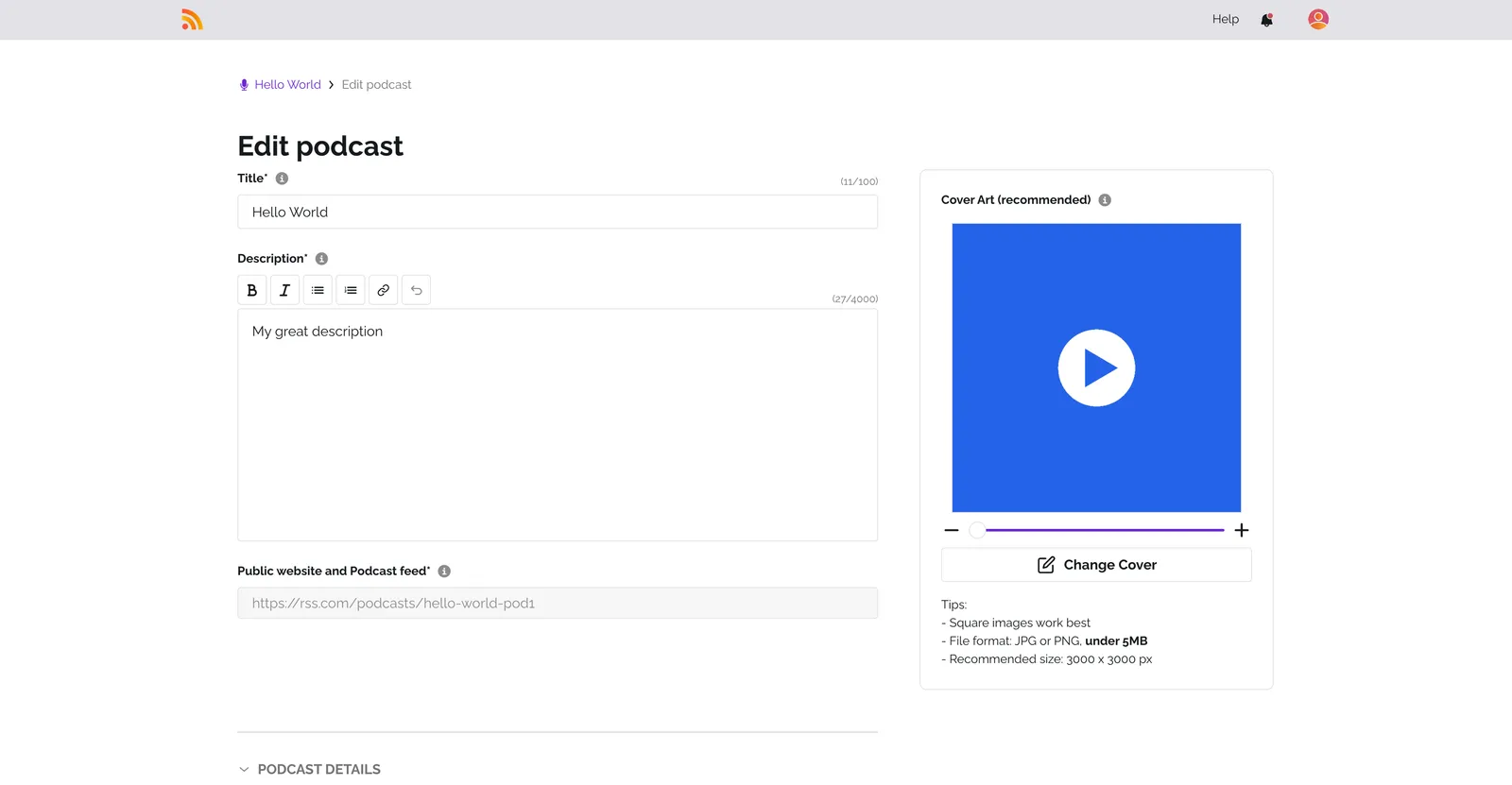
What is RSS.com?
RSS.com is what happens when a host decides simplicity is the feature. It's a remote US company founded in 2017, with a free plan and paid plans from $12.99 a month, and the whole experience is designed so you publish without staring at a wall of settings.
The standout is YouTube distribution. RSS.com pushes your podcast to YouTube automatically, turning audio episodes into video along the way, and there's video-to-podcast conversion if you're coming from the video side.
On the AI side you get built-in transcription, and for promotion there are soundbites and full-episode videos via PodViz. It also handles multiple shows and multi-user roles, and a CodeADX promo-code partnership lets you pick brands to promote.
The analytics are IAB-certified and cover downloads, audience by platform, country, and city, peak listening times, and real-time numbers, but there are no demographics, completion rates, or unique-listener counts. You also won't find a custom domain, a newsletter, a social manager, or any podcast SEO.
I keep RSS.com on my shortlist for one specific person, the beginner who wants cheap, no-fuss hosting with YouTube built in and a couple of AI helpers, and who doesn't need marketing tools built in.
What are RSS.com's biggest advantages?
Free plan available
Automatic YouTube distribution
AI titles, descriptions, and transcription
Video-to-podcast conversion
Simple, low-cost plans
What are RSS.com's main drawbacks?
No demographics, completion rates, or unique-listener counts
No custom domain
No newsletter, social manager, or podcast SEO
No smart links or automatic social posting
How does RSS.com handle hosting and publishing?
RSS.com supports 6 of the 9 features in the Hosting category of this comparison, most of the list.
- Unlimited Storage:
Free plan lists "Unlimited audio"; unlimited audio storage on all plans
source - Unlimited Episodes:
Unlimited episodes" on the free plan and above
source - Unlimited Bandwidth:
Unlimited episodes and downloads on every plan
source - SEO-Optimized Podcast Website:
Free, fully optimized and customizable website
source - Scheduled Publishing:
Schedule episode releases
source - Multi-Show Management:
Unlimited shows hosting"; Networks plan "Unlimited podcasts
source
Not available on RSS.com: Custom Domain, Private / Unlisted Episodes, Episode Trailers.
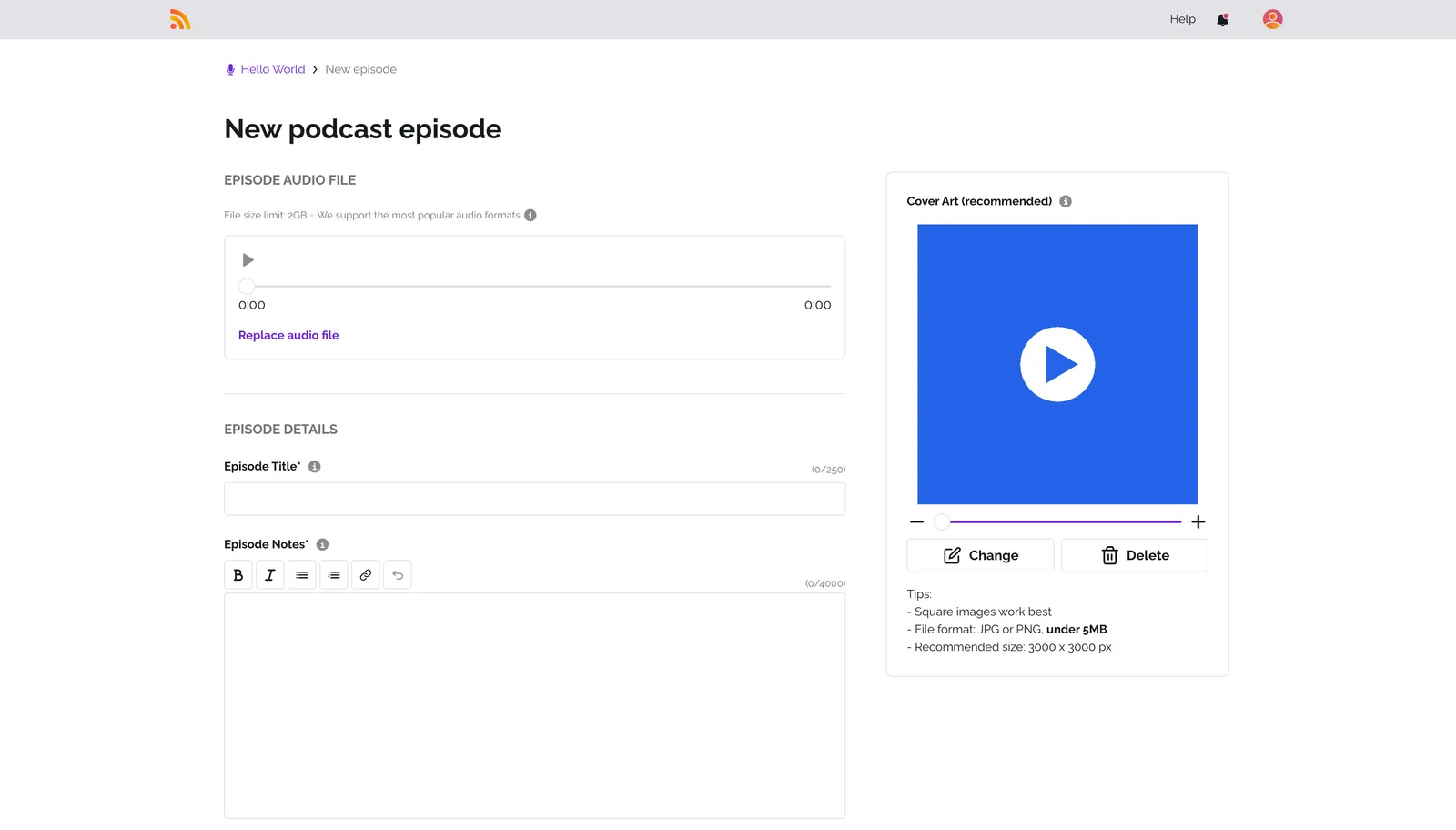
Where does RSS.com distribute your podcast?
RSS.com supports 6 of the 9 features in the Distribution category of this comparison, most of the list.
- Distribution to All Platforms:
automatic distribution on the most popular podcast directories including Apple Podcasts, Spotify, Amazon Music
source - YouTube Distribution:
Audio-to-video conversion for YouTube"; distribution to "YouTube Music
source - Custom RSS Feed:
Get a public RSS feed
source - One-Click Import from Other Hosts:
6 months free" when switching from another host; migration supported
source - Video-to-Podcast Conversion:
We keep the audio from your file and publish the episode as an audio episode."; "Podcast apps that do not play video still receive the audio
source - Podcast-to-Video Conversion:
Transform one of your audio-focused podcast episodes into an engaging video" (PodViz)
source
Not available on RSS.com: Auto-Sharing to Soundcloud, Universal Smartlink, YouTube-to-Podcast Import.
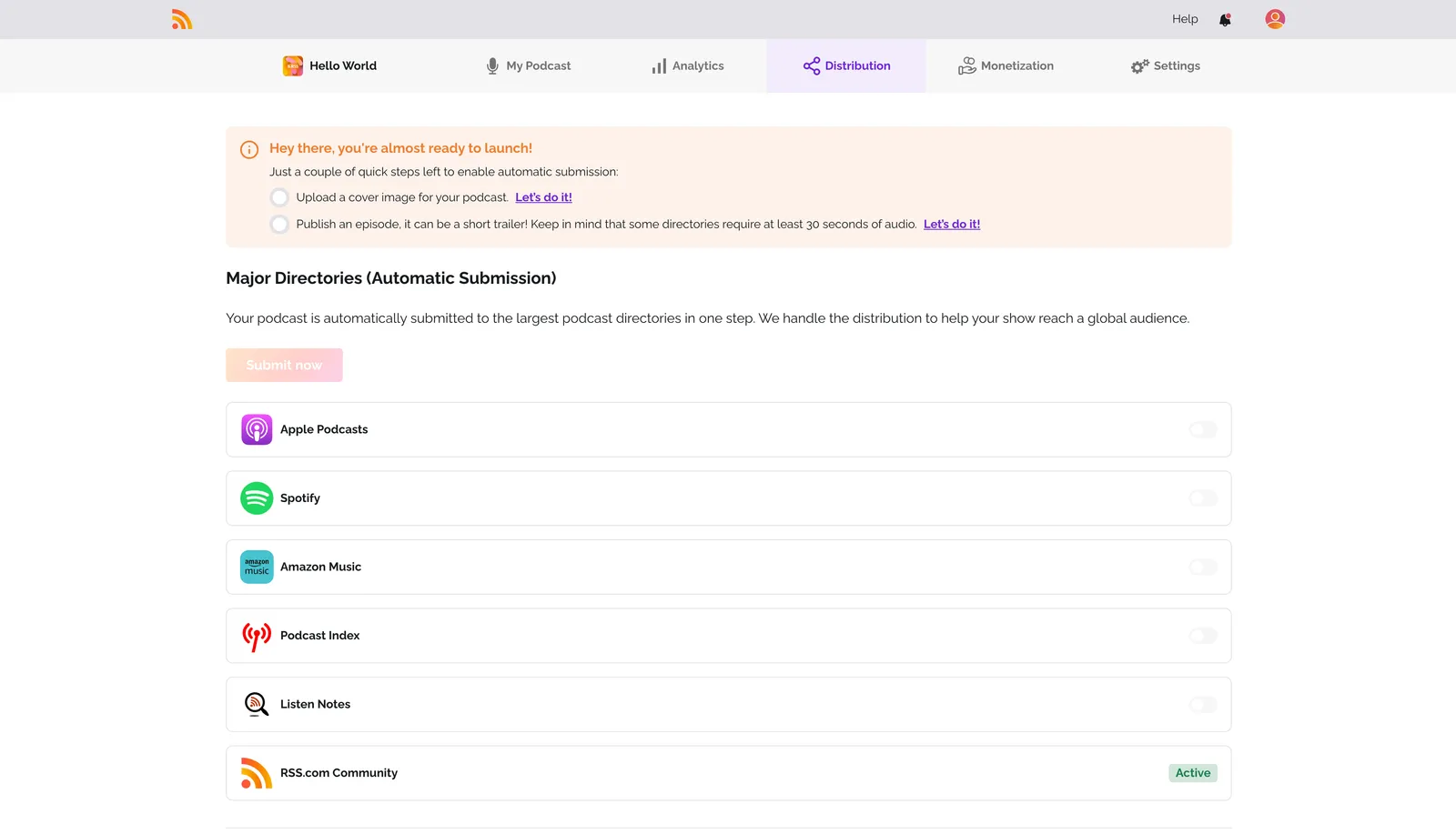
What marketing and growth tools does RSS.com offer?
RSS.com supports 5 of the 11 features in the Marketing & Growth category of this comparison.
- Video Clips for Social Media (Soundbites and full-episode video only):
A podcast soundbite is a short preview taken from a podcast episode"; uses include "audiogram generation"; PodViz makes full-episode video
source - Customizable Audio Player:
Custom-tailored web player"; "Unbranded embedded podcast player" on paid plans
source - Episode Chapters & Markers:
Chapters and soundbites"; "Custom cover, episode, and chapter art
source - Automatic Transcription:
All plans come with free automatic episode transcriptions
source - AI-Powered Features:
AI-generated transcripts" on paid plans
source
Not available on RSS.com: Auto-Sharing to Social Networks, Newsletter / Email Marketing, Smart Listening Links, Social Media Manager, CTA Management, Visibility Ads (Spotify & YouTube).
What analytics does RSS.com provide?
RSS.com supports 9 of the 15 features in the Analytics category of this comparison, most of the list.
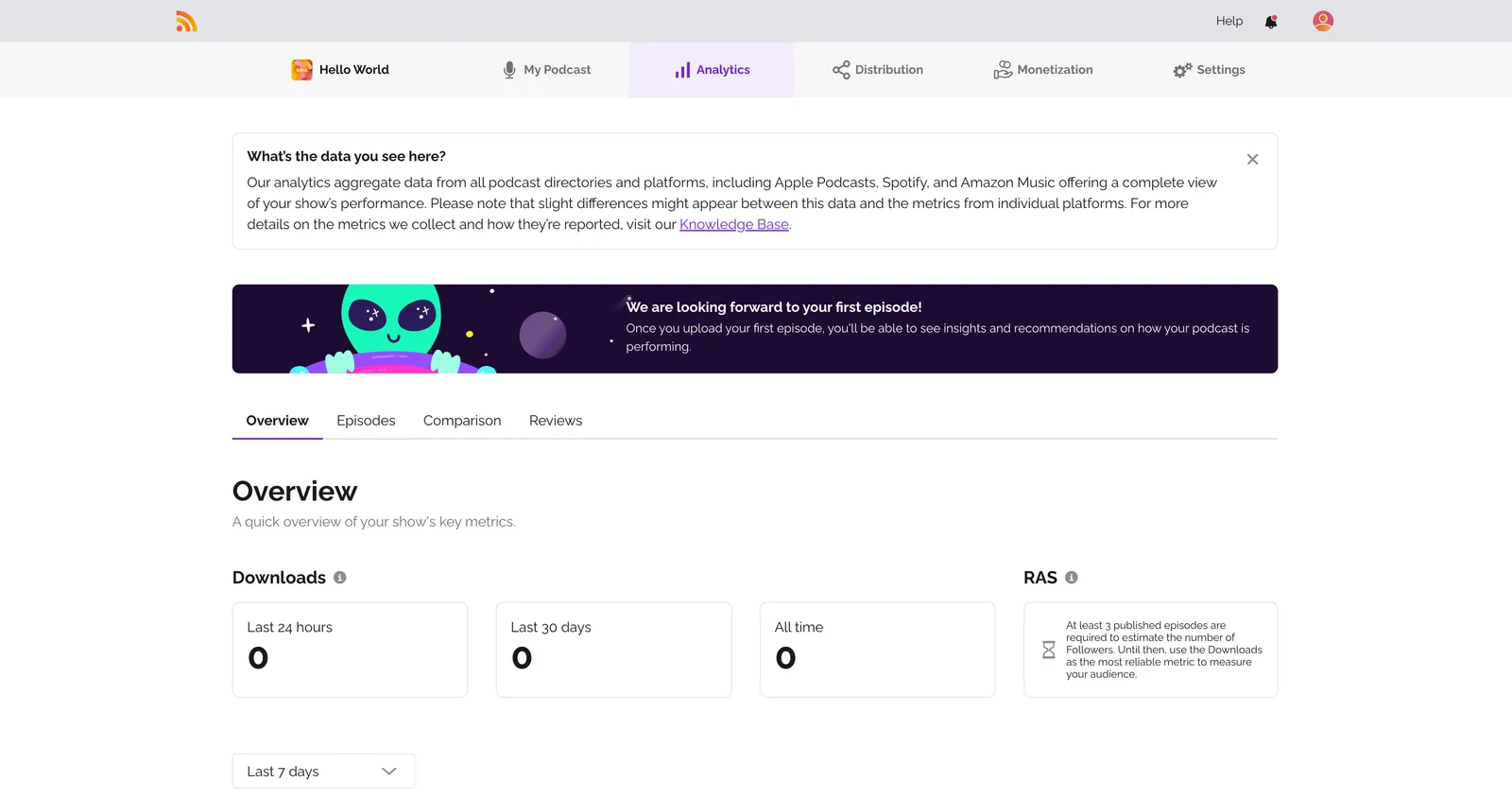
- IAB Certified Analytics:
IAB-certified podcast analytics from RSS.com
source - Download Statistics:
Downloads - Last 24 hours, Last 30 days, and All time
source - Episode Comparison:
Compare the success of your episodes side-by-side
source - Audience by Listening Platform:
Apps & Platforms ... where your audience is accessing your content
source - Audience by Device:
Devices & Operating Systems - Breakdown by device type
source - Audience by Country:
Geographic data: "city-level ... and country-level download distribution
source - Peak Listening Time Analysis:
Identify peak days and times when your episodes are most popular
source - Audience by City / Region:
geolocation insights show you top countries, cities, and regions
source - Real-Time Statistics:
Real-Time Data: Live updates from all across the globe
source
Not available on RSS.com: Unique Listeners, Apple Podcasts Ranking Tracking, Audience Demographics (Age & Gender), Episode Completion Rate, Average Listening Time, Podcast Chart Tracking.
Can you make money with RSS.com?
RSS.com supports 4 of the 6 features in the Monetization category of this comparison, most of the list.
- Dynamic Ad Insertion:
Programmatic Ads Inserted Dynamically to automatically insert pre-roll, mid-roll and post roll ads
source - Paid Subscriptions / Premium Content:
Earn with Apple Podcasts Subscriptions
source - Crowdfunding Integration (donations / Value4Value):
Accept listener donations"; "Get paid through Value for Value
source - Sponsor Marketplace (Via CodeADX promo-code marketplace):
Browse the marketplace and choose products that resonate with your audience
source
Not available on RSS.com: Sponsorship Marketplace, 100% Revenue Retention.
Does RSS.com offer podcast SEO (PSO) tools?
RSS.com supports none of the 4 features in the Podcast SEO (PSO) category of this comparison.
Not available on RSS.com: Keyword Research & Tracking, PSO Checker / Score, Competitor Tracking, Category Benchmarking.
What AI features does RSS.com have?
RSS.com supports 1 of the 5 features in the AI Features category of this comparison.
- AI-Generated Titles & Descriptions
Not available on RSS.com: AI Transcription with Speaker ID, AI Auto-Chaptering, AI Social Media Posts, AI Newsletter Generation.
Is RSS.com ready for teams and enterprises?
RSS.com supports 1 of the 6 features in the Enterprise & Security category of this comparison.
- Multi-User Roles & Permissions:
Invite team members"; "Unlimited team member seats" (roles/permissions not detailed)
source
Not available on RSS.com: ISO 27001 Certification, SSO (Single Sign-On), API & Webhooks, White-Label Branding, GDPR Compliance.
Which features does RSS.com support?
Hosting
6/9Distribution
6/9Marketing & Growth
5/11Analytics
9/15Monetization
4/6Support & Community
3/6Podcast SEO (PSO)
0/4AI Features
1/5Enterprise & Security
1/6Recording & Production
0/4Who is RSS.com best for?
Beginners who want a simple, affordable host with YouTube distribution and a few AI helpers.
What are the best RSS.com alternatives?
RSS.com vs Spotify for Creators
Spotify for Creators scores 35/75 features, the same as RSS.com. Spotify's free podcast hosting platform (formerly Anchor), offering free unlimited hosting, video podcasts, distribution, and monetization through the Spotify Partner Program. Spotify for Creators offers a free plan, while RSS.com also has a free plan.
RSS.com vs Transistor
Transistor scores 34/75 features, 1 fewer than RSS.com. A podcast hosting platform focused on brands and businesses, offering multi-show hosting and private podcasting. Transistor starts at $19/month, while RSS.com also has a free plan.
RSS.com vs Spreaker
Spreaker scores 37/75 features, 2 more than RSS.com. A podcast hosting platform owned by iHeart, offering live broadcasting and monetization features. Spreaker offers a free plan, while RSS.com also has a free plan.
How does RSS.com compare to Ausha?
Ausha supports 70 of the 75 features in this comparison, versus 35 for RSS.com.
What Ausha adds over RSS.com
- Auto-Sharing to Social Networks
- Newsletter / Email Marketing
- Smart Listening Links
- Social Media Manager
- CTA Management
- Visibility Ads (Spotify & YouTube)
And 31 more in the full comparison.
Where RSS.com has the edge
- Paid Subscriptions / Premium Content
- Podcaster Community
Is RSS.com worth it?
By my count, RSS.com covers 35 of 75 features, which puts it #12 of 15 hosts in this comparison.
Beginners who want a simple, affordable host with YouTube distribution and a few AI helpers.
That puts it mid-pack, and honestly that's the right amount for a lot of podcasters. RSS.com handles the essentials and a few advanced extras without charging you for features you'll never touch.
See the full rankings to compare RSS.com with all 15 hosts.
Sources
Feature data checked against each platform's own website and documentation (June 2026).
- rss.com/pricing
- rss.com/pricing/
- rss.com/features
- rss.com/features/podcast-analytics
- help.rss.com/en/support/solutions/articles/44002828141-how-to-add-video-to-your-podcast-episodes
- help.rss.com/en/support/solutions/articles/44002243432-power-ups-soundbites
- help.rss.com/en/support/solutions/articles/44002013700-rss-com-analytics-overview
- help.rss.com/en/support/solutions/articles/44002682103-find-sponsors-with-codeadx
David is an acquisition expert at Ausha, where he focuses on building growth strategies across both inbound and outbound channels. His career path took him to Australia before joining Ausha in 2023. He launched Allez!, the first French-language podcast entirely dedicated to climbing, which has reached over 120,000 downloads and more than 1 million views on social media, demonstrating his ability to build and grow a media project from a niche audience.
FAQs about RSS.com
What is RSS.com?
A straightforward podcast hosting platform focused on simplicity and ease of use for beginners. It launched in 2026 and covers 35 of 75 features in this comparison, ranking #12 of 15.
How much does RSS.com cost?
RSS.com has a free plan, and the paid plans add more as you move up.
What are RSS.com's main strengths?
The strengths I'd call out: Free plan available; Automatic YouTube distribution; AI titles, descriptions, and transcription.
What are RSS.com's main limitations?
The limitations I'd flag: No demographics, completion rates, or unique-listener counts; No custom domain; No newsletter, social manager, or podcast SEO.
Is RSS.com good for beginners?
Yes. One-click distribution and scheduled publishing make RSS.com approachable for first-timers.
See our complete platform ranking to compare all 15 options.